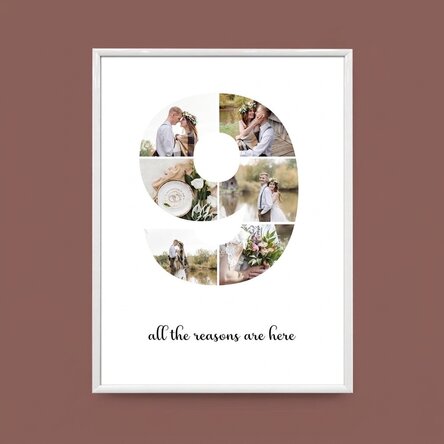
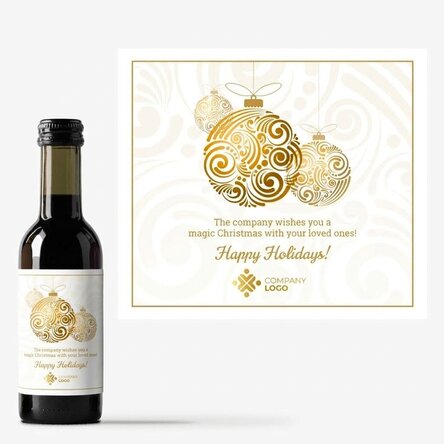
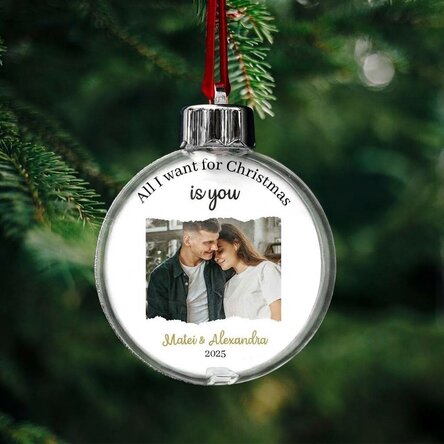
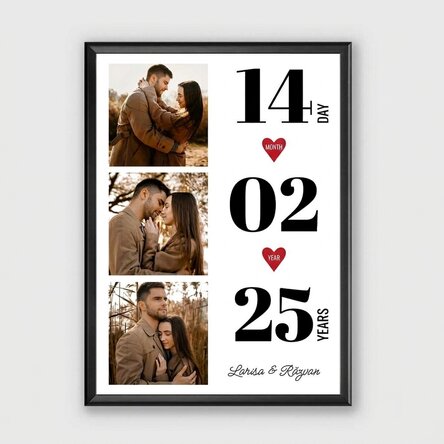
Personalised canvas with 6 photos, model number 9, and text message
a memorable gift
112,00 Lei
Product code: 9637
Product code: 9637





You might also be interested in ...


Product description
Portraits aren't the only thing that's trendy. Go for a landscape shot!
A landscape photo, as the name suggests, is way better for capturing scenery, 'cause it can frame nature better. However, this type of photo is also unique for frames with people, especially if you want to include as many characters as possible in such a photo or simply want to place two characters in a memorable natural context.
What can I customise?
The print can be customised with photos and text.
How can I customise it?
Step 1: Click on the "Customise" button
Step 2: Click on a sample photo and then click on the green button at the bottom "Upload photos" (The images will be saved for later use)
Step 3: Select the photos from your computer, phone or tablet. The upload will start immediately.
Step 4: Choose a section of the product where you want to use the image.
Step 5: Choose the photo you want to appear in the selected section.
Step 6: If necessary, you can edit the photo by changing its position, zoom or rotation.
Step 7: When you are satisfied with the result, click on the "Confirm" button and continue with the next photos.
Step 8: Click on the sample text and edit the custom message.
Step 9: Once you have finished customising, click on the "Finish" button, choose the product format and add the product to your basket.
Note:
Black, white, red and gold frames: glass + plastic frame.
Aluminium frame: glass + aluminium frame.
A landscape photo, as the name suggests, is way better for capturing scenery, 'cause it can frame nature better. However, this type of photo is also unique for frames with people, especially if you want to include as many characters as possible in such a photo or simply want to place two characters in a memorable natural context.
What can I customise?
The print can be customised with photos and text.
How can I customise it?
Step 1: Click on the "Customise" button
Step 2: Click on a sample photo and then click on the green button at the bottom "Upload photos" (The images will be saved for later use)
Step 3: Select the photos from your computer, phone or tablet. The upload will start immediately.
Step 4: Choose a section of the product where you want to use the image.
Step 5: Choose the photo you want to appear in the selected section.
Step 6: If necessary, you can edit the photo by changing its position, zoom or rotation.
Step 7: When you are satisfied with the result, click on the "Confirm" button and continue with the next photos.
Step 8: Click on the sample text and edit the custom message.
Step 9: Once you have finished customising, click on the "Finish" button, choose the product format and add the product to your basket.
Note:
Black, white, red and gold frames: glass + plastic frame.
Aluminium frame: glass + aluminium frame.
Reviews
Write a review
Reviews
Write a review
Verified buyer
Personalised canvas with 6 photos, model number 9, and text message
Calitate foarte bună la un preț avantajos.
Draghici Norica, Cernavodă
Verified buyer
Personalised canvas with 6 photos, model number 9, and text message
Rapid și eficient. Calitate foarte bună
Razvan, București
Verified buyer
Personalised canvas with 6 photos, model number 9, and text message
Neasteptat de rapizi in procesarea comenzii si livrare. Am comandat 2 cani cu cate 2 poze fiecare. Au iesit bine, ambalarea a fost foarte buna, calitate deosebita.
Cristina, Pitesti
Verified buyer
Personalised canvas with 6 photos, model number 9, and text message
O echipă deosebită deschisă mereu la noi idei
Cătălin și Bianca, Năvodari
Verified buyer
Personalised canvas with 6 photos, model number 9, and text message
Cadourile personalizate de voi sunt apreciate de cei care le primesc , pentru că acestia stiu ca sunt facute special pentru ei!
Coca Ioana, Brașov
Verified buyer
Personalised canvas with 6 photos, model number 9, and text message
Rapid si usor
Iulia, Bucuresti